

Up to 30m clips
Save longer highlights without stopping your session.
with audio


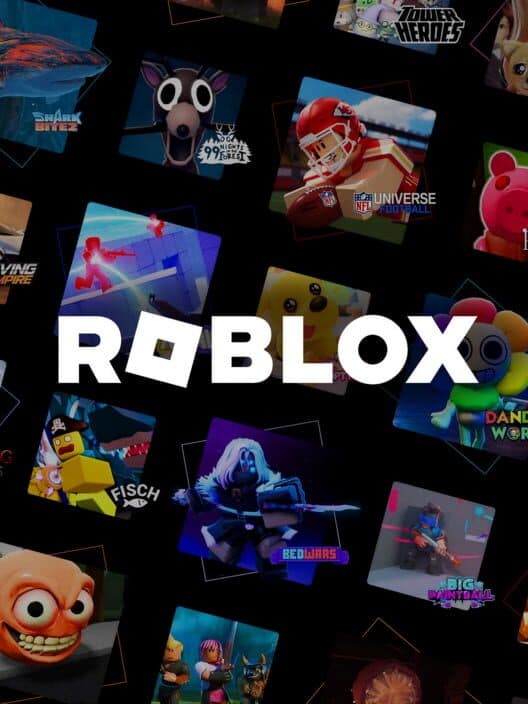
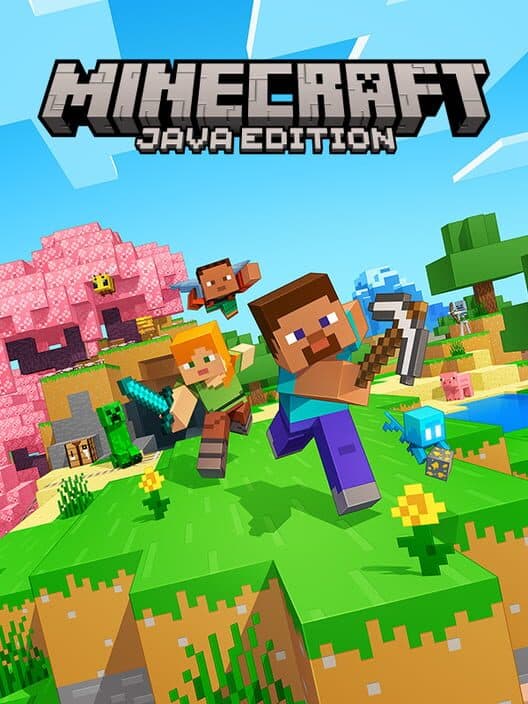
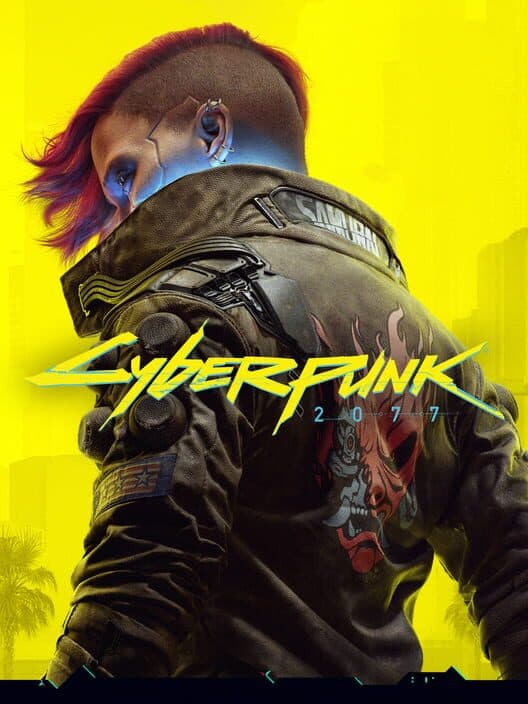
Works with the games you already play

















Save longer highlights without stopping your session.
Record gameplay in up to 4K when your Mac supports it.
Metal-accelerated capture stays light on CPU and RAM.
Upload and share clips in one click from the app.
Post highlights directly to Discord without extra steps.
Cut highlights in-app before you share them.
Common questions about game clippers and clipping on Mac.
A game clipper is a type of software that continuously records your screen in the background, allowing you to instantly save a video of the last few moments of gameplay by pressing a hotkey. This is different from traditional screen recorders, which only record when you manually start and stop them. A game clipper is essential for capturing unexpected, epic moments without impacting game performance. ClipMac is the most powerful and easy-to-use game clipper designed specifically for Mac.
Currently, Medal.tv does not offer a native application for macOS. Many users search for "Medal for Mac" or even common typos like "metal clipping software for Mac" looking for a similar experience. ClipMac is designed to be the best Medal.tv alternative for Mac, offering the same core features like instant replay and easy sharing, but built from the ground up for optimal performance on macOS.
The best software for clipping on Mac is ClipMac, especially if you're looking for an experience similar to Medal.tv. While generic tools like OBS or QuickTime exist, they are not optimized for clipping. ClipMac is a native macOS game clipper built from the ground up for performance. It offers an instant replay buffer, customizable quality settings up to 4K, and deep integration with Apple Silicon and Metal, making it the top choice for Mac gamers who want to clip their gameplay.
Most clipping software is either Windows-only (like Medal.tv or Shadowplay) or are resource-heavy, cross-platform solutions. ClipMac is a purpose-built game clipper for Mac. It uses Apple's Metal framework for hardware acceleration, integrates seamlessly with macOS, and is optimized for both Intel and Apple Silicon Macs. This results in better performance and higher quality clips than any other solution for clipping on Mac.
Yes. ClipMac is one of the only game clippers for Mac that can reliably capture both desktop audio (your game sounds) and microphone audio simultaneously. Our native Core Audio integration ensures your clips have high-quality, perfectly synced audio without needing complex setup or third-party tools like BlackHole.
Yes. ClipMac is free to download and use for clipping on Mac, and all cloud uploads are free. Optional paid plans start at $5.99/month for extra storage and higher recording limits. While you can use free tools like QuickTime, ClipMac provides a true game clipper experience for Mac, with the best performance and features for serious gamers.
Yes. All uploads to ClipMac cloud are free. Optional paid plans add extra storage and higher recording limits—not access to cloud uploads.